
Cleaning a TV takes about 20 to 30 minutes and costs almost nothing if you already own two soft cloths. The job is easy to medium — easy on the frame and screen’s edge, but it needs care in the middle, where the panel sits. Before you start, have the manual for your exact model, since panel coatings differ.
What you need to clean a TV screen
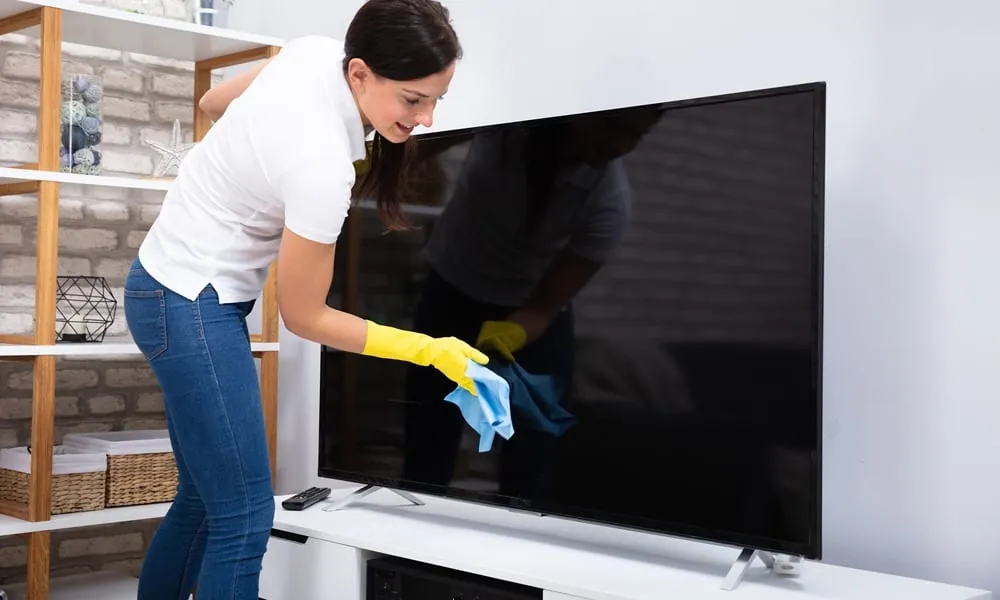
| Item | How much | Why it’s needed | A substitute | |—|—|—|—|—| | Dry microfiber cloth | 2 clean cloths | Lifts dust without scratching | none — don’t swap this | | Distilled water | About 1 cup (240 ml) | No minerals, so no streaks | none — tap water leaves marks | | Spray bottle | 1, small | Lets you mist the cloth, not the screen | Clean squeeze bottle | | Screen-safe cleaner | A few drops only | Helps with grease marks | none if your manual says water only | | Soft brush or blower | 1 | Removes grit before wiping | Clean, dry makeup brush | | Flashlight | 1 | Shows smudges at a low angle | Phone light, dimmed | | Your TV manual | 1 copy | Names the approved cleaner | Maker’s support page online |
Two cloths isn’t a spare. Keep one for the first dry pass and one for the damp pass, so you never wipe a wet cloth over a screen that still has grit on it.
Wash both cloths before the first use. New microfiber can carry lint and factory residue that smears across a dark screen.
Keep them apart as you work. A cloth that has touched the floor or the back of the TV shouldn’t come back to the panel.
The manual matters most for the cleaner. Some makers approve a specific product for their coating and warn against anything else, including plain water on certain panels.
If the manual is lost, look up your model on the maker’s support page before you buy a cleaner. The model number is on a sticker on the back of the set.
Skip fabric softener entirely when you wash the cloths. It coats the fibers and leaves a film you’ll then push around the screen.
Before you clean a TV, do these four things
- Switch it off and unplug it. A dark screen shows dust and smudges clearly, and an unplugged set can’t switch on by accident while your hand is near the panel.
- Let it cool for 10 to 15 minutes. Warm panels and cold liquid don’t mix well, and the manual for most sets warns against cleaning a hot screen.
- Move anything that can fall. Speakers, consoles and cables near the TV are what usually knock against the screen while you work.
- Read the cleaning line in your manual first. This is the step people skip, and it’s the one that matters. Some coatings only allow a dry cloth, and using a liquid on them can leave permanent marks.
One limit up front: if your screen is cracked, has dark patches that don’t move, or shows lines down the panel, stop here. That’s a repair job, not a cleaning job — contact the maker’s service center or a qualified TV technician.
How do I clean a TV, step by step?
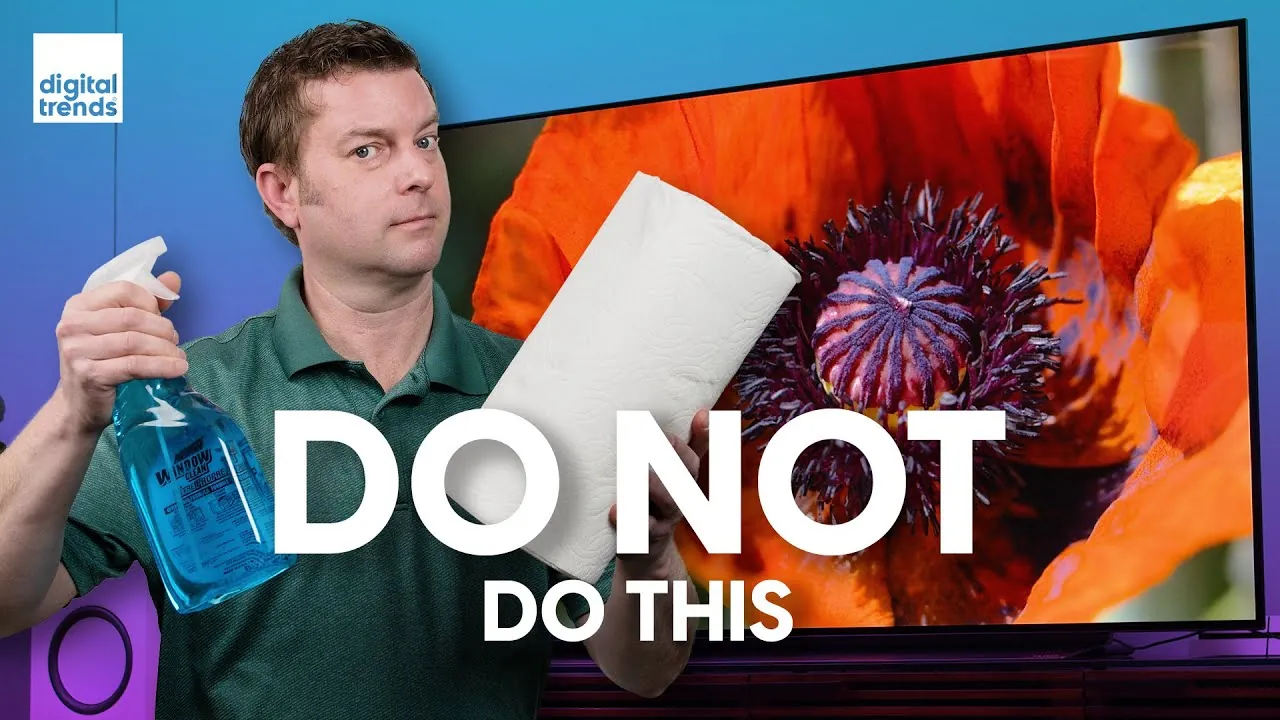
Unplug the TV and let it cool for 10 to 15 minutes. Feel the back of the set with your hand; if it’s still warm, wait 5 more minutes. You’ll know it’s ready when the back feels the same as the room. Never clean a set that’s on or still warm from use.
Dust the frame and the back vents with a dry microfiber cloth. Work in slow passes, about 4 to 5 passes over each area. Don’t press into the vents — a soft brush is safer there. The step worked when you can see no dust line along the top edge.
Blow or brush loose grit off the screen. Hold the brush or blower about 2 inches (5 cm) from the surface and work top to bottom. Grit is what scratches glass, so this pass matters more than the wiping. You’re done when the screen looks even under your flashlight.
Wipe the screen with a dry microfiber cloth, no liquid. Use light pressure — about the weight of your hand resting, nothing more. Move in straight lines, top to bottom. Check with the flashlight at a low angle; if you still see dust, do one more dry pass before adding any moisture.
Mist distilled water onto the cloth, never onto the screen. Two or three sprays on a folded cloth is enough for a 55-inch screen; use one more spray for a 65-inch or larger set. The cloth should feel barely damp, not wet. If you can squeeze a drop out of it, it’s too wet — wring it out.
Wipe the screen with the damp cloth in one direction. Start at the top left and work down in straight lines. Don’t scrub in circles and don’t press on one spot. The step worked when the whole panel looks the same shade under your flashlight, with no wet patches.
Dry immediately with the second, dry microfiber cloth. Follow the same straight lines, top to bottom. Water left to sit is what leaves marks and, over time, can damage the edge seal. The screen is dry when the cloth slides without dragging.
Clean the edges and the bezel with a barely damp cloth. Thin plastic frames hold dust in the gap. Run the cloth along the seam once, then dry it. Don’t let liquid run into the gap — that’s where it can reach the electronics.
Clean the remote with a dry cloth and a dry soft brush between the buttons. Don’t use liquid on the remote. Wipe the back and the sides, then tap the remote face-down over a bin to shake out crumbs. It worked when the buttons don’t feel sticky.
Let everything sit for 10 minutes before you plug the TV back in. This gives any slight moisture at the edges time to go. Then plug it in, switch on, and check a bright scene — a white or sky shot shows streaks best. If you see any, go back to step 6 with a fresh dry cloth first.
Signs the screen is clean, and signs it needs another pass
A clean screen looks even under a flashlight held at a low angle — no bands, no cloudy patches, no cloth fibers. That low-angle check is the sign to trust, because straight-on viewing hides streaks that show up later in a bright scene. Switch on a white or sky-filled picture and look from the side; a uniform surface means you’re done.
The other sign is how the cloth behaves. On a clean panel, a dry microfiber cloth slides smoothly and leaves nothing behind. If it drags or squeaks, there’s still residue on the glass, usually from cleaner that wasn’t wiped off.
Signs it needs a second round:
- Streaks in a line — the cloth was too wet, or you used tap water. Redo the area with distilled water and a dry cloth.
- A cloudy patch — cleaner was sprayed on the screen and pooled. Wipe with a damp cloth, then dry at once.
- Visible dust at the edges — the dry pass missed the border. Brush it loose before wiping again.
- Fingerprints that won’t lift — a dry cloth won’t move grease. Use one spray of distilled water on the cloth, then dry.
How much pressure and moisture a panel tolerates varies by model and coating. Your manual states what yours allows, and that’s the page to read before a second round, not this one.
If something goes wrong while cleaning your TV
| What happened | Why | What to do |
|---|---|---|
| Streaks after drying | Cloth was too wet | Wipe again with a dry cloth |
| Scratch appeared on the screen | Grit was wiped, not brushed off | Note it; deep marks need a technician |
| Screen won’t turn on | Moisture reached the electronics | Unplug, wait 24 hours, call service |
| Cloudy mark left on panel | Cleaner sprayed onto the screen | Wipe with damp cloth, dry at once |
| Coating looks patchy | Wrong cleaner for this panel | Stop; check the manual’s approved list |
| Lines or dark spots appeared | Panel fault, not cleaning | Contact the maker’s service center |
Two of these rows are worth knowing before you touch anything.
If the screen stays dark after you unplug it and wait the full 24 hours, don’t plug it back in to “test” it. Call service and say moisture got in during cleaning. That detail tells the technician what to look for.
Lines and dark spots are the other case where the answer changes. If they were there before you started, they aren’t something you caused, and no amount of wiping will lift them. Stop cleaning and call the maker’s service center.
A scratch is different again. Shallow surface marks often fade from view once the panel is dry. Deep ones catch a fingernail and won’t come out.
How often to clean a TV screen
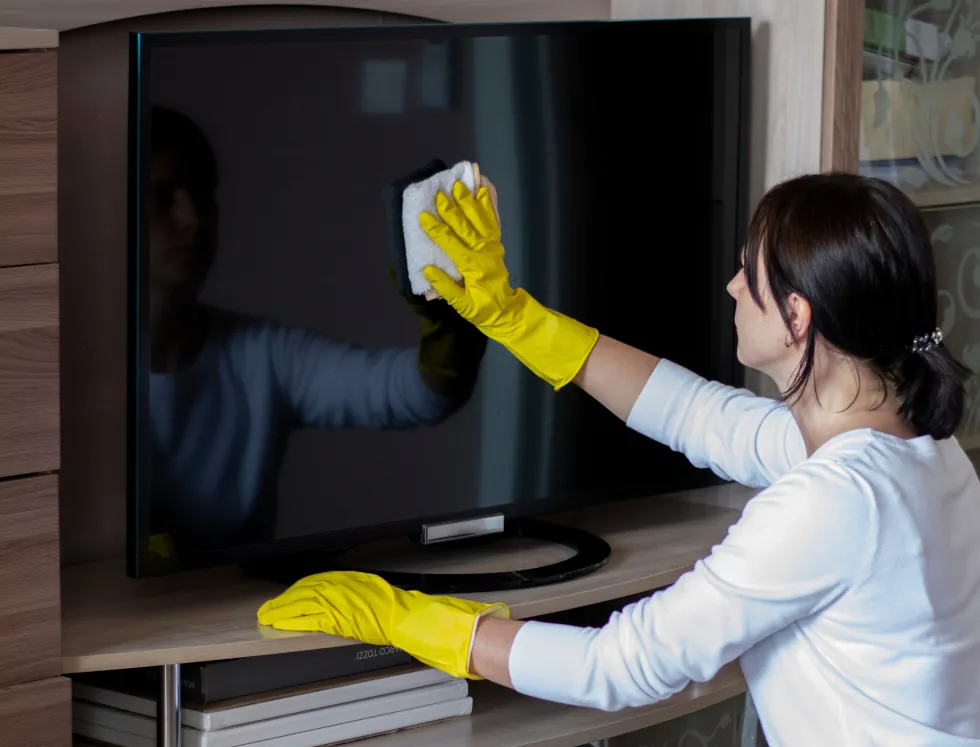
Dust a TV screen about once a week with a dry microfiber cloth, and do the full damp clean about every 2 to 3 months. That weekly pass takes 2 minutes and stops dust from building into a layer that needs moisture to remove. The full clean is the 20 to 30 minute job in the steps above.
Two things move that schedule most. The first is your home: a house with pets, open windows, or a kitchen nearby collects grease and hair faster, so the full clean may need to come every 4 to 6 weeks instead. The second is who touches the screen — a TV in a family room with kids gets fingerprints weekly, while a bedroom set can go 3 months easily.
Check your own screen with a flashlight at a low angle. If you see a grey film across the panel, it’s time for the full clean, whatever the calendar says. If the surface looks even, a dry dust is enough.
Related guides
- How to Clean Your MacBook Screen :Without Damaging
- How to Clean a Mac Screen
- How to Clean a Vizio TV Screen
Frequently asked questions
Can I use Windex or glass cleaner on my TV?
No. Standard glass cleaners contain alcohol and ammonia, and both can damage the anti-glare coating on a modern panel. Use distilled water, or a cleaner your TV manual names as approved. If you’ve already used glass cleaner, wipe the area with a damp cloth of distilled water and dry it, then check the panel under a flashlight for patchy spots.
Why does my TV screen have streaks after cleaning?
Your cloth was too wet, or you used tap water. Tap water carries minerals that dry into a film. Redo the area with distilled water misted onto the cloth — two or three sprays for a 55-inch screen — then dry at once with a second clean cloth. Streaks lift easily if you catch them the same day.
How long does it take to clean a TV?
About 20 to 30 minutes for the full job on a 55-inch set, and 2 minutes for a weekly dry dust. Larger screens take longer — allow 10 extra minutes for a 75-inch or bigger panel, because there’s more surface to wipe and dry. The cool-down before you start adds 10 to 15 minutes of waiting, not working.
Is it safe to spray water directly on the screen?
No. Liquid sprayed on the panel can run down into the edge seal and reach the electronics. Always mist the cloth, never the screen, and keep it barely damp — if you can squeeze a drop out, it’s too wet. This is the single habit that prevents most water damage during cleaning.
What happens if water gets inside my TV?
Unplug it right away and don’t switch it back on. Leave it off for at least 24 hours in a dry room, then try it once. If it doesn’t come on, or shows lines or patches, contact the manufacturer’s service center — water damage inside a panel isn’t a home fix, and switching on a wet set can make it worse.
Does it matter which cloth I use on a TV screen?
Yes. Use microfiber only — paper towels, tissues and rough cloths can scratch the coating. Keep two cloths: one for the damp pass and one dry. Wash them without fabric softener, because softener leaves a film that smears on glass. A cloth that’s been used on furniture can carry grit, so keep the TV cloths separate.
How do I clean a TV screen with kids’ fingerprints on it?
Use one spray of distilled water on a microfiber cloth, wipe the print in a straight line, then dry it at once with a second cloth. Don’t rub hard — grease lifts with a little moisture, not pressure. For a whole panel of prints, do the full damp clean, then a dry pass over the entire screen so the surface dries evenly.
Can I clean my TV while it’s still on?
No. Switch it off and unplug it first. A dark screen shows dust and smudges you’d miss on a bright picture, and cleaning a warm panel risks marks from fast drying. Let it cool for 10 to 15 minutes after use, clean it, then wait 10 minutes before plugging it back in.
Conclusion
If you’re unsure about your panel’s coating, snap a photo of the manual’s care section and keep it with your cleaning supplies. You’ll save time the next round. And if any streaks linger after the screen dries, stop and check the manufacturer’s guidance before trying anything else.