How to Clear Gmail Notifications
To clear Gmail notifications, open the Gmail app, tap the three horizontal lines, select “Settings,” then “General settings” and disable … Read more

To clear Gmail notifications, open the Gmail app, tap the three horizontal lines, select “Settings,” then “General settings” and disable … Read more
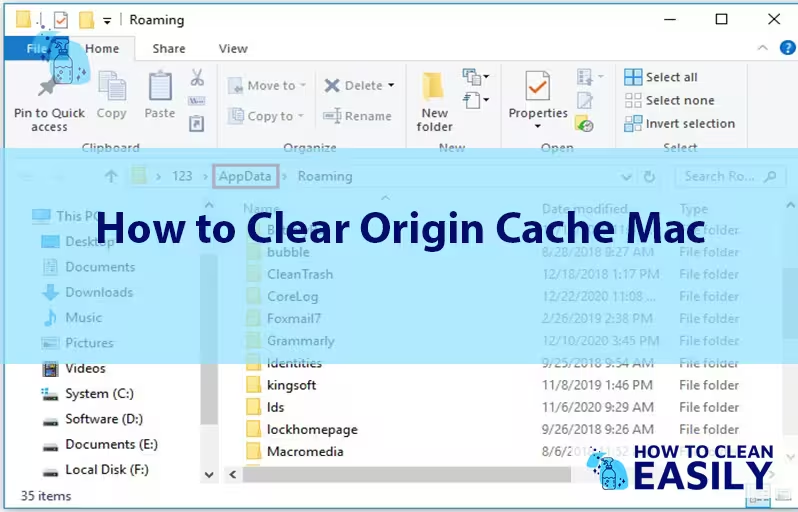
To clear Origin cache on Mac, go to ~/Library/Caches, delete Origin folder, then restart Origin. Keeping your Origin cache clear … Read more
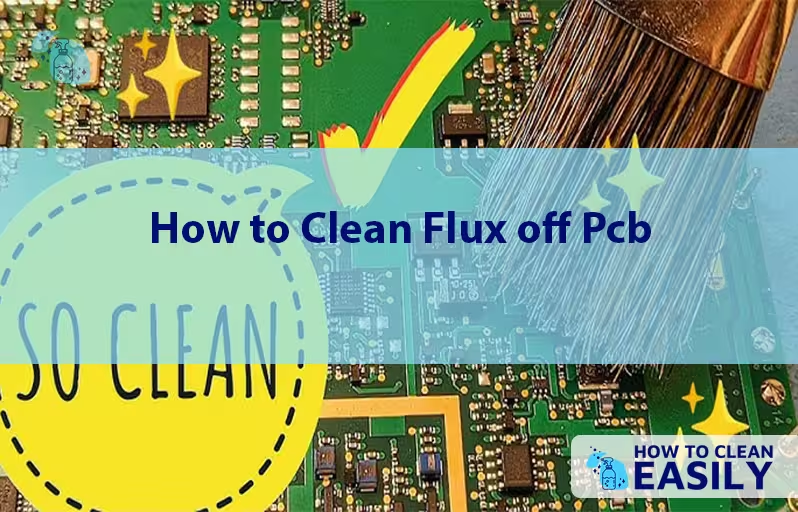
To clean flux off PCB, use isopropyl alcohol and a soft brush. Gently scrub the surface. Cleaning flux residue from … Read more
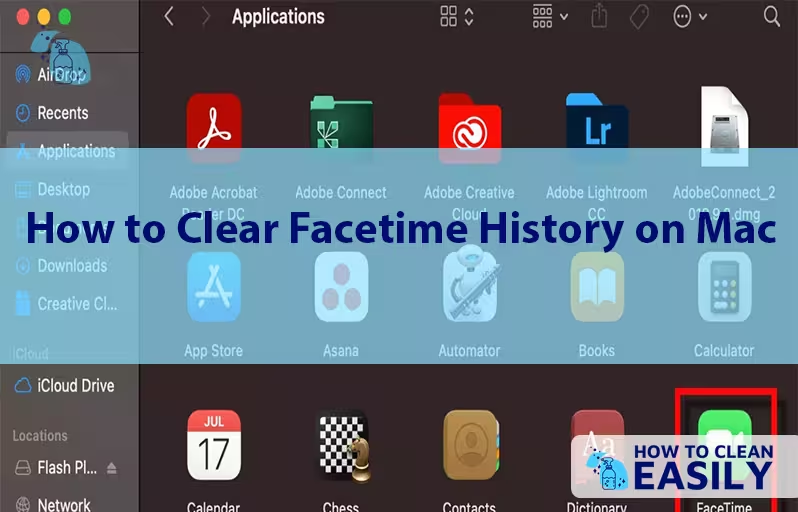
To clear FaceTime history on Mac, open the FaceTime app, go to the top menu bar, click on FaceTime, and … Read more

To clear HBO Max watch history, go to your settings and select “Manage Your Devices” – then clear the history. … Read more
To clean your Glorious mousepad, mix warm water with mild soap, gently scrub, and air dry. Maintaining a clean mousepad … Read more
To clean Jabra Elite 75T, wipe with a damp cloth and mild soap, focusing on the ear tips and charging … Read more
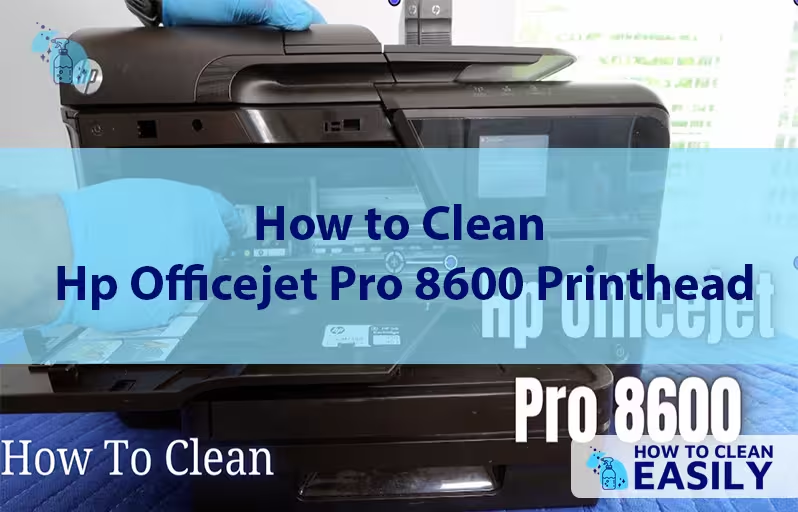
To clean the HP Officejet Pro 8600 printhead, remove and soak it in distilled water to unclog any dried ink … Read more
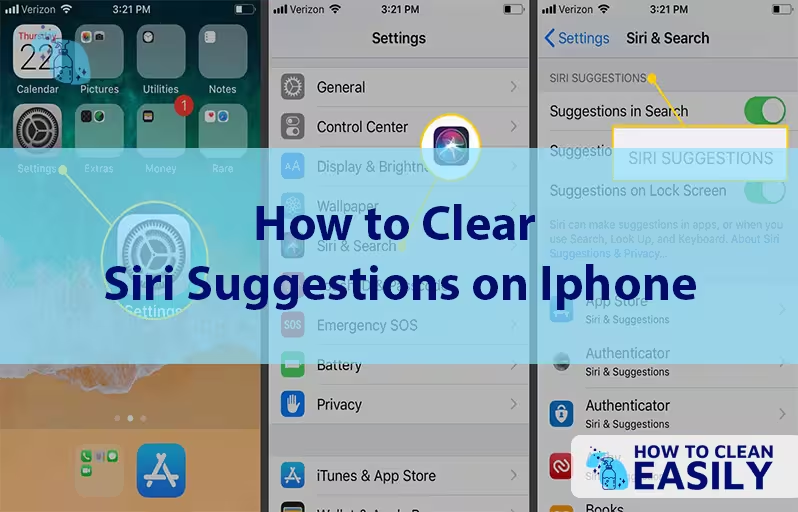
To clear Siri suggestions on iPhone, go to Settings, Siri & Search, then turn off Suggestions. Clear individual data by … Read more

To clean Bose headphones, gently wipe the exterior with a soft, dry cloth and use a slightly damp cloth for … Read more