6 Simple Steps to Clean Your iPhone Speaker Without Damaging It
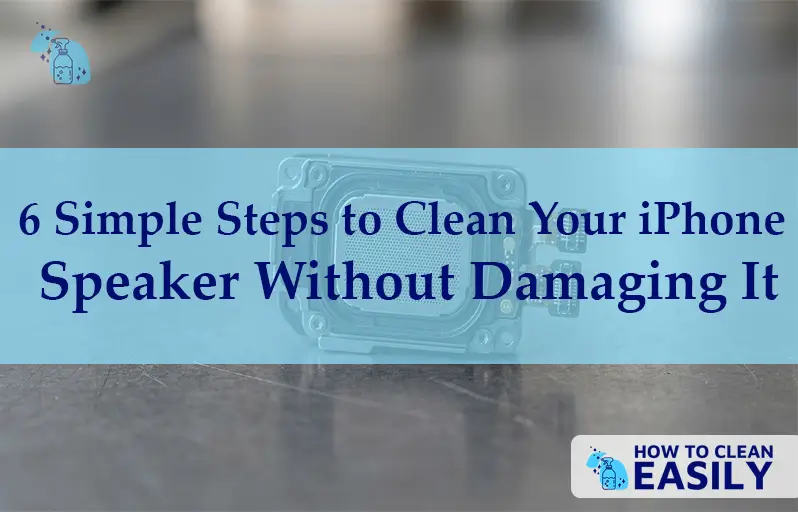
Learn how to clean your iPhone speaker safely in 6 quick, dry steps. No liquids, no metal—just effective tools for clear, loud audio again in under 10 minutes.

Learn how to clean your iPhone speaker safely in 6 quick, dry steps. No liquids, no metal—just effective tools for clear, loud audio again in under 10 minutes.
A lint‑choked iPhone charging port is the #1 reason for flaky charging. Learn the safe 5‑step method using compressed air and a wooden toothpick to restore a perfect connection — no repair shop needed.
Learn exactly how to clean your iPad screen without damaging the oleophobic coating. Apple-approved methods, step-by-step instructions, and common mistakes to avoid.
Is your iPad sluggish? Learn how to clean up your iPad to make it faster with 7 proven steps: free storage, delete apps, clear cache, disable background refresh, reduce motion, restart weekly, and factory reset as a last resort.

Cleaning up your Gmail inbox can seem like a huge task. But it doesn’t have to be. With the right … Read more
Cleaning a Macbook trackpad is easy and important. It keeps your device working smoothly and looking good. A clean trackpad … Read more
Cleaning your Mac touchpad is essential for smooth performance. A dirty touchpad can cause problems. A clean touchpad ensures your … Read more
To clean an Apple Magic Keyboard, follow these steps. It’s simple and quick. Apple Magic Keyboards are sleek and efficient. … Read more
Cleaning a computer without compressed air is easier than you think. You can use items you already have at home. … Read more
Cleaning your Logitech G Pro X Superlight clicker is simple. A clean clicker ensures smooth performance and extends its lifespan. … Read more